Microsoft Office 365
Microsoft Office 365 is optimized for mobile productivity with streamlined tools for creating, editing, and sharing documents.

Safe & Secure
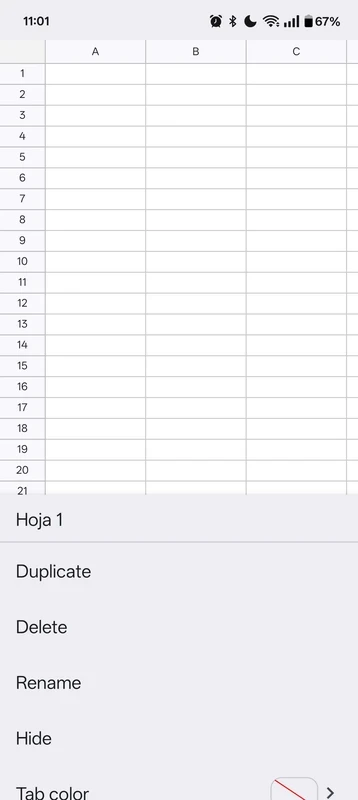
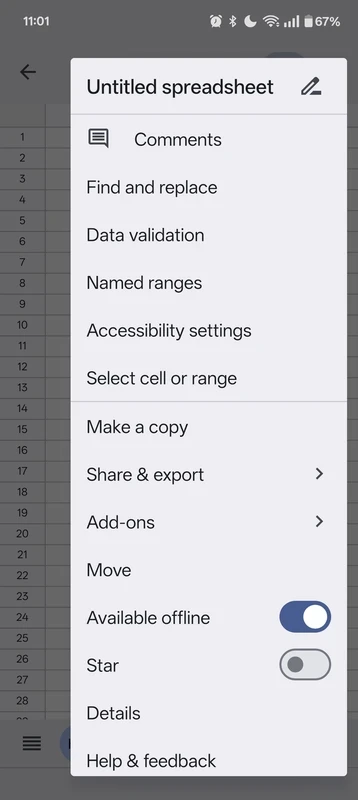
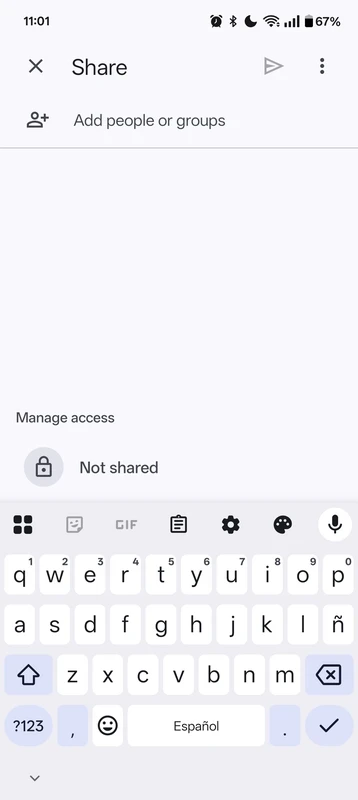
Google Sheets is cloud-based, and a document management tool is part of modern office suites. It offers a flexible and versatile workflow to manage your spreadsheets, collaborate in real-time, and enhance your productivity. It is the best solution for teamwork in different scenarios, such as professional, students, and so on.
It is simple and smooth, even using it on an Android device doesn’t prove a frustrating experience, and reliably allows you to create budget plans, data tracking, and other basic analysis. It offers enhanced accessibility and real-time updates while avoiding traditional spreadsheet software.
Also available for: Windows
Google Sheet developed by Google, is a spreadsheet application that offers enhanced integration for Google Drive and enables users to create, edit, and collaborate on spreadsheets. You will find a huge collection of innovative features for data management, visualization, and analysis.
With the integration of cloud service, you can easily sync your documents across multiple devices and easily access them from anywhere. The simplicity of the app enables users to create or edit documents, instead of going to advanced or complex spreadsheet features.
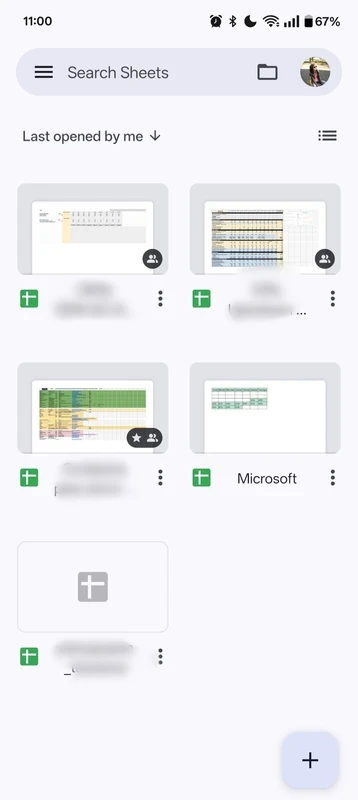
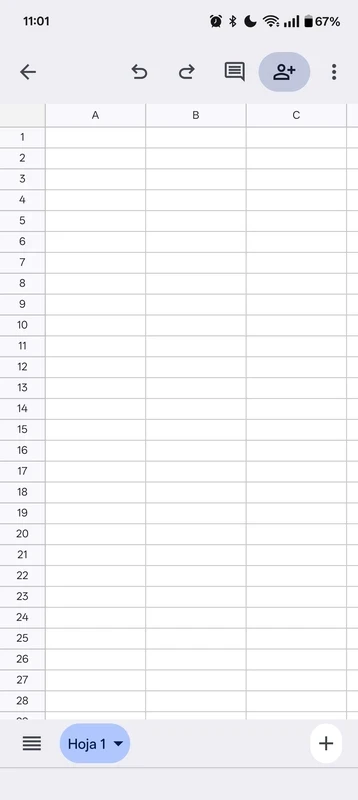
The app offers a user-friendly interface with quick navigation to various features, such as you will find editing buttons within an action bar at the bottom of the screen. You can view data clearly on the small screen while using the familiar pinch-to-zoom gestures. Use the search bar at the top of the screen to locate the spreadsheets by name.
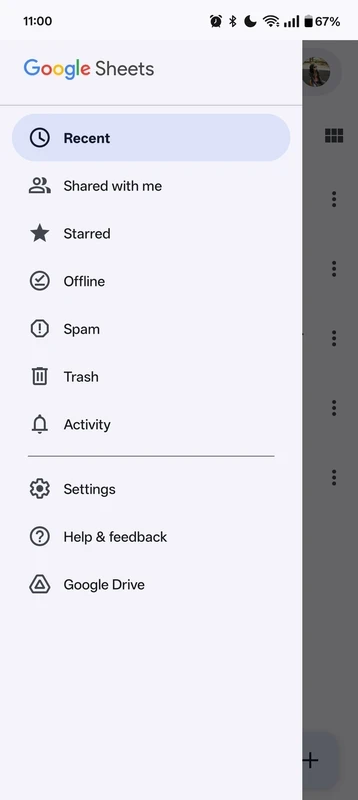
You will also find recently used spreadsheets in the main area, and you can open any of them by clicking on it. Likewise, create a new spreadsheet by clicking on the “+” button in the bottom right corner. On the left of the search bar, the Folder Icon is available, which allows users to access and open files right from the Google Drive folders. In the Hamburger Menu, multiple options such as recent files, shared items to you, starred files, and offline workflow are available.
The integration of multiple products of Google, including Google Drive, Google Docs, Microsoft Excel, Microsoft Word, and even Google Workspace, etc allows users to save their content automatically and share it with others. You can reliably streamline collaboration for enhanced teamwork, direct chatting with others, and receive notifications for edits.
The integration with cloud storage services such as Google Drive allows users to sync their spreadsheets across multiple devices and access them from anywhere, anytime. You can use the mobile app or simply use your web browser, and the easily accessible stored data is 100% safe and secure within the flexible and collaborative environment, which is suitable for both personal and professional use.
It is another key feature, as you can reliably use the app, even when you are offline. So, there isn’t any requirement for an internet connection at all times for accessing and editing the already existing files. Because the app allows users to store their files in a progressive process, and edit them whenever they need. All the changes will automatically sync once you reconnect to the internet.
The app offers seamless integration to the XLSX format offered by Microsoft, and allows the opening, editing, and exporting of Excel files. There isn’t any need of conversion process, which is difficult for managing multiple Office suites. You can sync all changes on the mobile version with the web version, and whenever you need to download them in Excel without losing the accuracy of cell formulas and formatting.
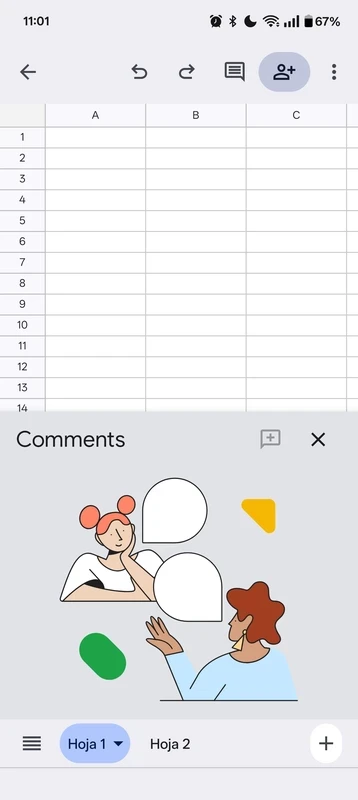
Customize the appearance of your spreadsheets while using the different formatting options, such as formatting cells, sorting data, and visualizing information through creating charts. It is capable of enhancing the data analysis process while inserting formulas, and enables users to reliably operate calculations and manipulate data quickly. In addition, you can facilitate discussions and feedback within specific cells while adding comments right within the spreadsheets.
Share your files with your colleagues while making them identify with colored outlines to specify which section is being edited. In this way, you can protect your file from overwriting, as the cells will turn into burgundy when another member starts typing. It also displays the edits in real-time, so everyone can view them. The app also offers built-in sharing options to invite other team members, and threaded comments and notifications help to fasten the relevant data.
Pros
Cons

Microsoft Office 365 is optimized for mobile productivity with streamlined tools for creating, editing, and sharing documents.

MS Word Free Download to create, edit, format, and collaborate on eye-catching documents.

Microsoft Excel to create, edit, view, and share spreadsheets with limited functionality

Google Docs offers versatile and flexible text formatting within a powerful mobile word processor

Adobe Acrobat Reader to view, edit, print, and share PDFs